Every card.
One clear budget.
Drop in your bank and credit-card statements, a screenshot, or the notes you already keep. Kept sorts every transaction, builds budgets from what you really spend, and gives you a heads-up before you overspend.
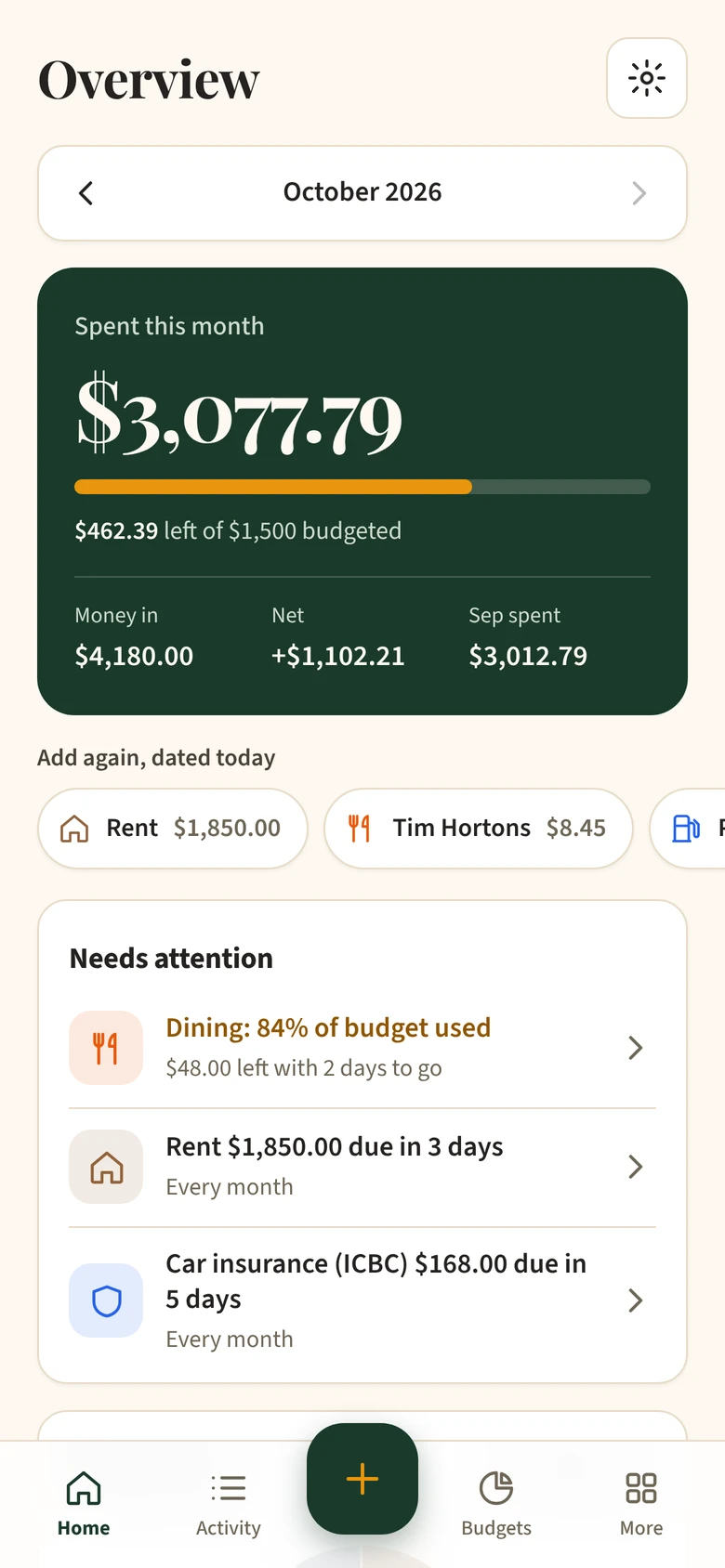
From a pile of statements to a clear budget in minutes.
- 1Drop in your statementsEvery card at once: PDFs, screenshots or a spreadsheet.
- 2Every line sorted for youCard payments are left out, so nothing counts twice.
- 3Your month, clearBudgets, bills coming up and a heads-up before you overspend.
Set up once. Then it mostly runs itself.
Remembers your stores
Sort Costco as Groceries once and every Costco after that is sorted for you, on every card.
Bills on repeat
Add rent, phone and subscriptions once. Kept logs them on schedule and shows them a week before they're due.
A heads-up at 80%
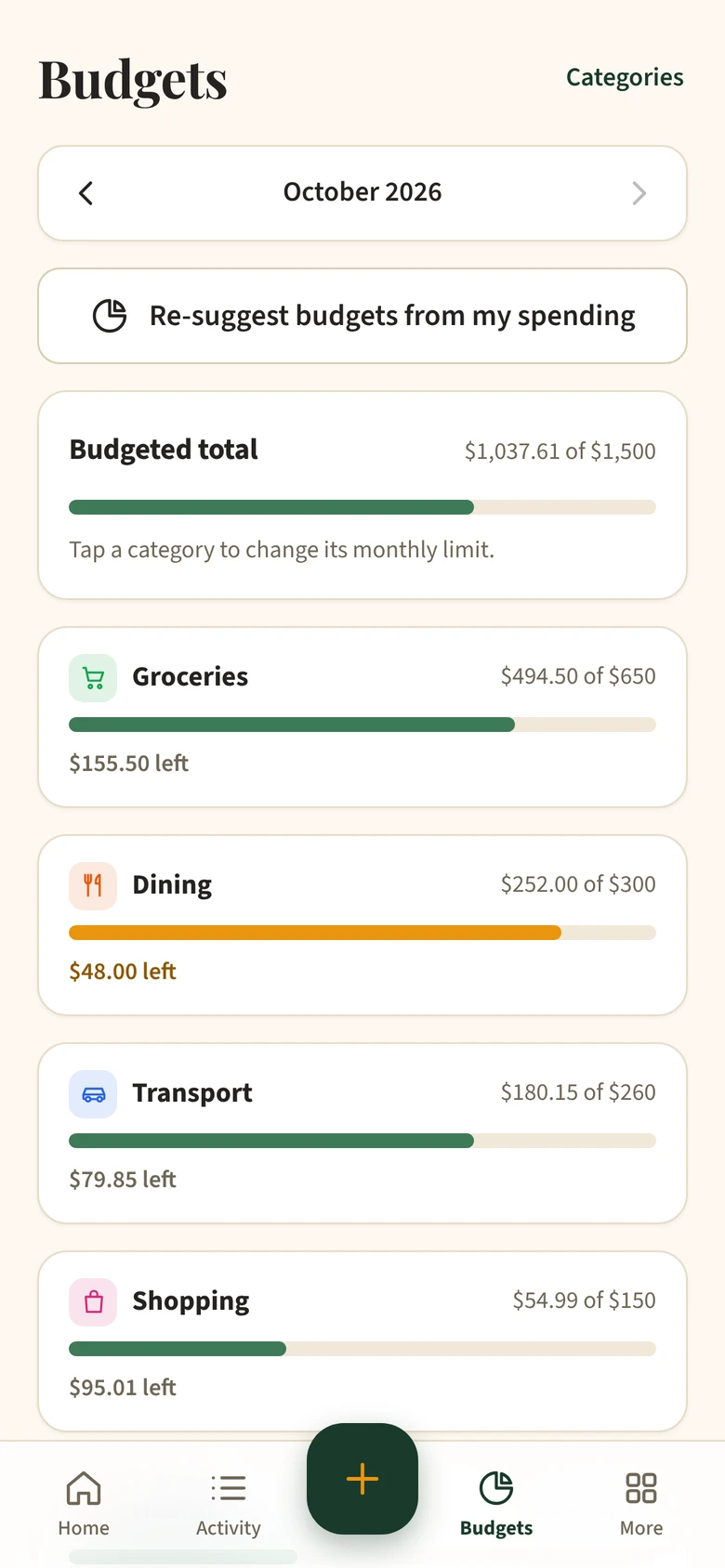
Budgets suggested from your real spending, and a nudge while there's still time to adjust.
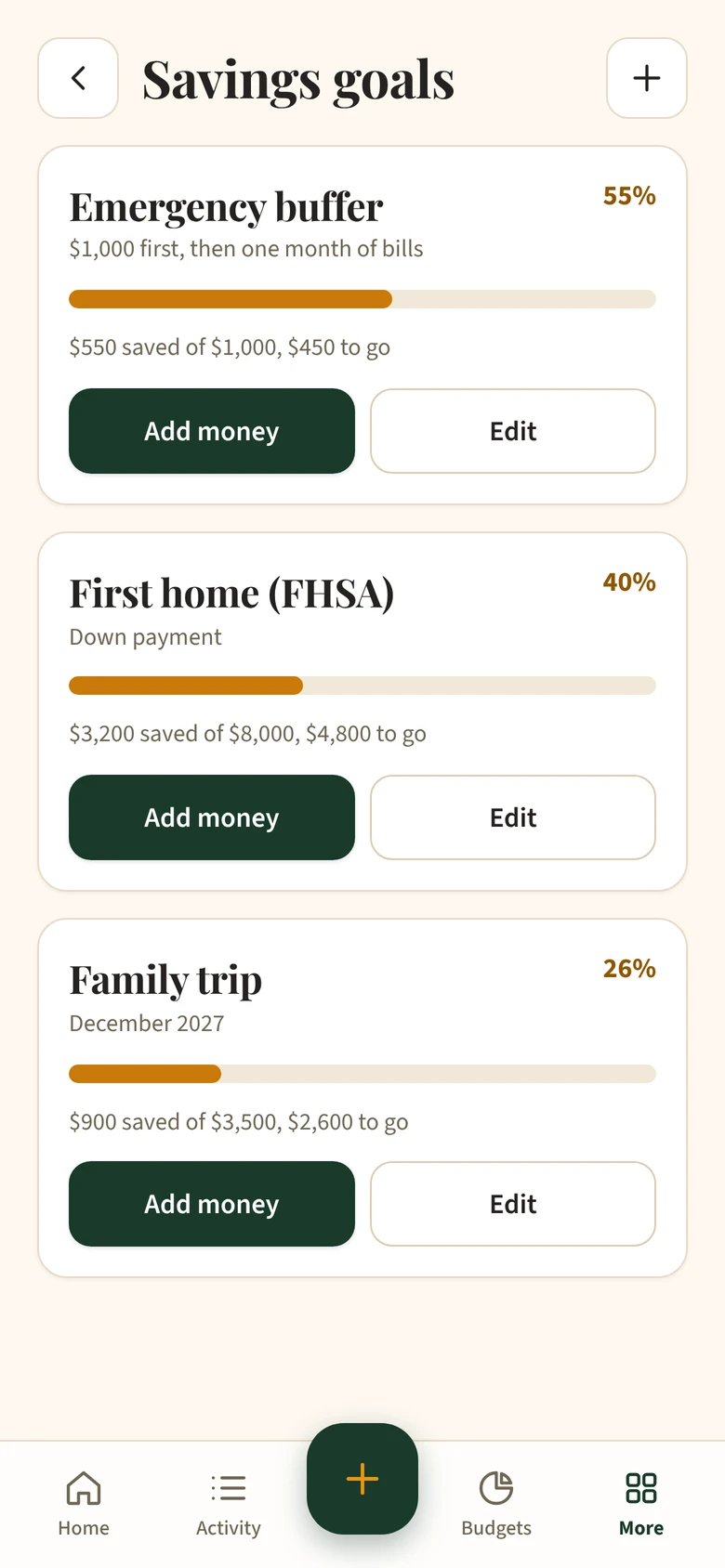
Your whole month on one screen.
Notes app? Excel? A shoebox of receipts? Bring it.
Write “sabzi 40” in your Notes and Kept knows it's Groceries. Amounts in rupees or US dollars are spotted too, and you choose the Canadian amount.
- Bank statements (PDF)
- Banking app screenshots
- Excel or CSV
- Notes app, any language
- Receipt photos
- Cash you spend
- Mint, YNAB or Monarch exports
Questions people ask
Is Kept free?
Yes. Kept is free to start, with no credit card.
Do I have to connect my bank?
No. Kept never asks for your bank password. You add a statement, a screenshot or a spreadsheet, or type entries yourself.
Where is my data kept?
Your data is stored in Canada, never sold and never used for ads. The Privacy Policy explains exactly what happens to a statement you add.
Does it work on my phone?
Yes. Kept runs in your phone's browser, and you can add it to your home screen like an app.
Start 2027 with every dollar in one place.
Bring one statement. See where your month went in a few minutes.
Start freeNo bank password · No credit card · Stored in Canada